
Editing & Transformation
Updated 2026-01-09
Toolbar Overview

Undo & Redo
- Function: Undo the previous action or restore to a prior state.
Save
- Function: Save the current project or canvas content.
Lock Objects
- Function: Lock selected objects to prevent accidental changes. Locked objects cannot be moved, edited, or deleted.
Rotate & Mirror
- Function: Rotate selected objects, typically clockwise.
Mirror & Flip
- Horizontal Flip: Mirror the object along the horizontal axis
- Vertical Flip: Mirror the object along the vertical axis
Group & Ungroup
Group
- Combine multiple objects into a single unit for unified operations.
Ungroup
- Separate grouped objects into individual elements.
Offset
- Apply edge offset to selected shapes to generate inner or outer contours, commonly used for engraving path expansion.
- Distance: Offset distance (mm)
- Corner Style: Round, Corner, Bevel
- Offset Direction: Outside, Inside
Boolean Operations

- Perform boolean operations on two or more shapes:
- Intersect: Keep overlapping areas
- Union: Merge shapes into one
- Subtract: Remove one shape from another
Adjust Image
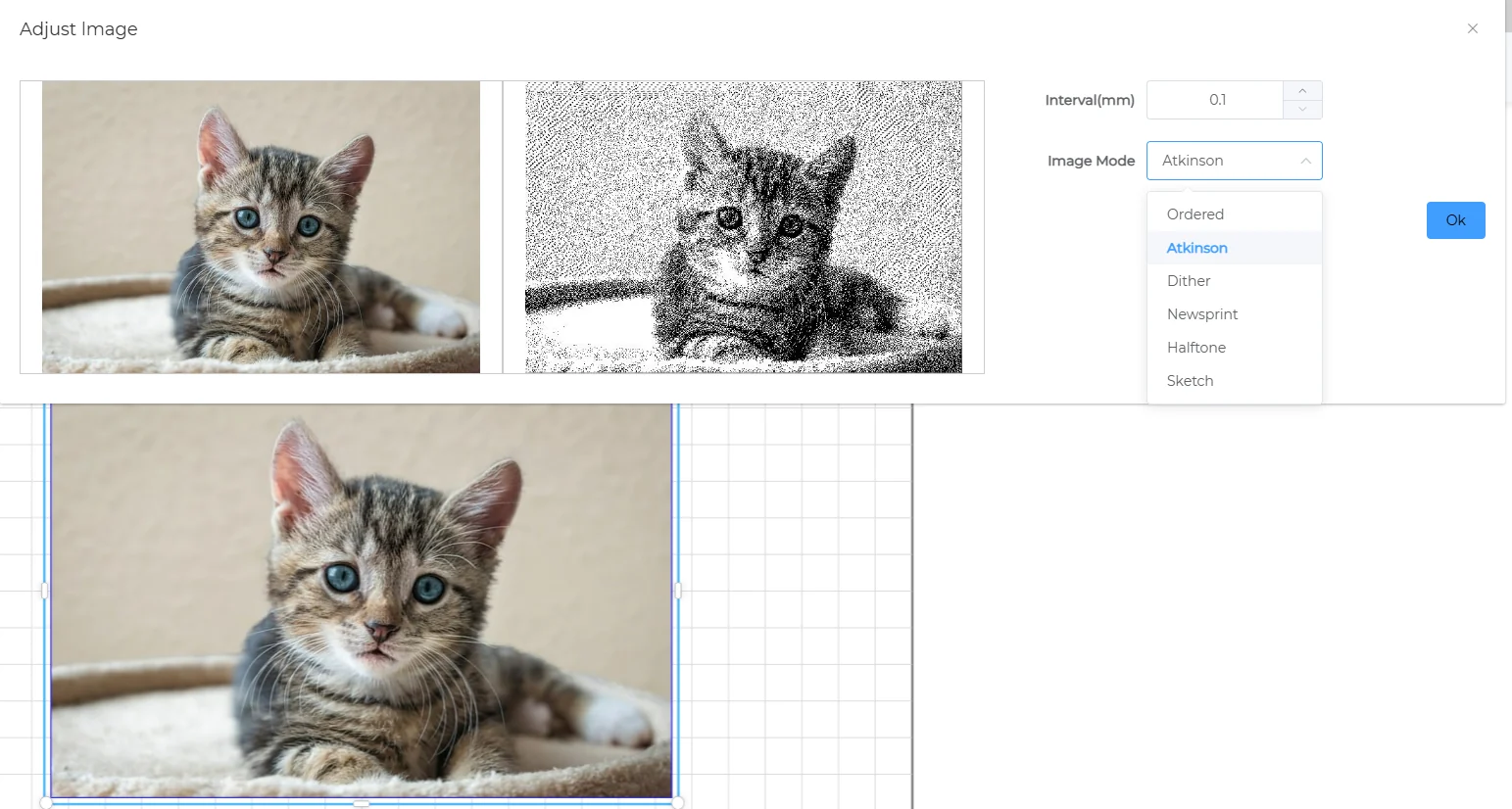
- Image effect adjustments:
- Line spacing
- Image model
Material
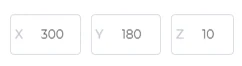
- Set material dimensions
CNC/Laser
- Select canvas mode: Laser or CNC