Libraries

Updated 2026-09-14

Design Library
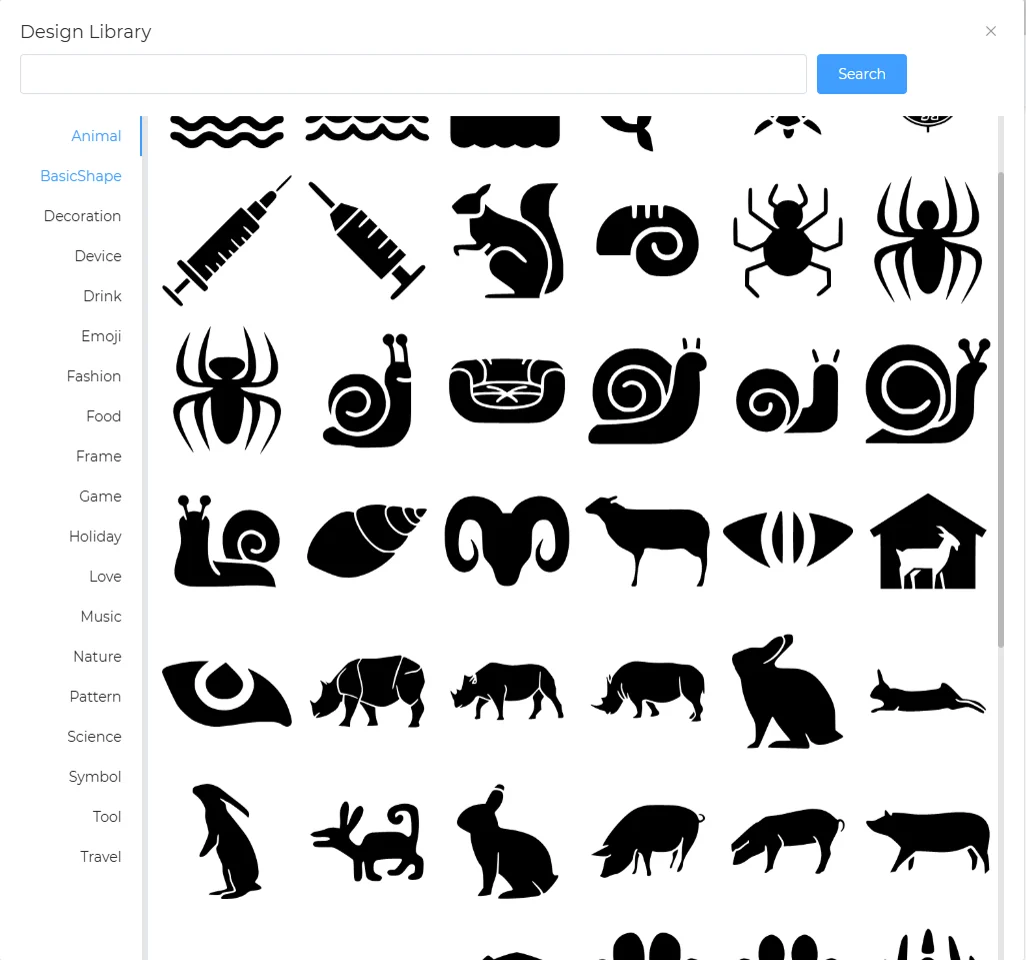
Design Library dialog with a category list and a grid of animal icons

Asset Types

  • Left-side list: Select asset categories

Asset Tags

  • Top search bar: Fuzzy search by asset tags

Advanced Library

QR Code
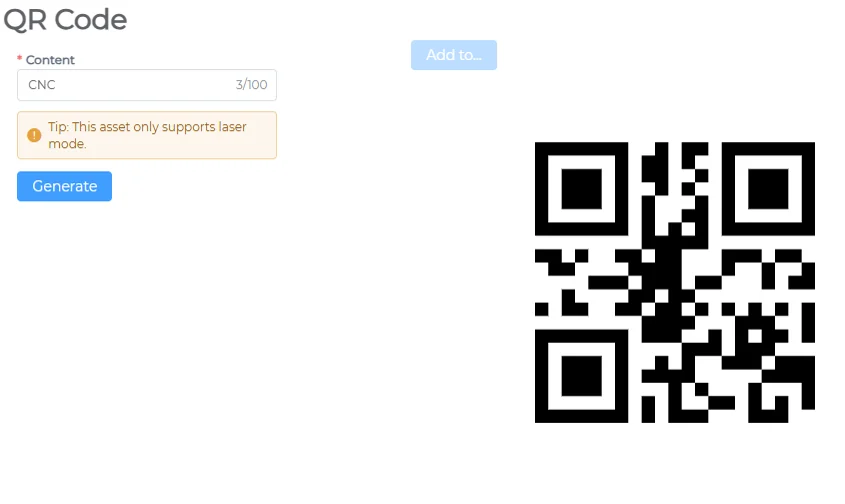
QR Code generator with a content field and the generated QR code
  • Enter QR code content

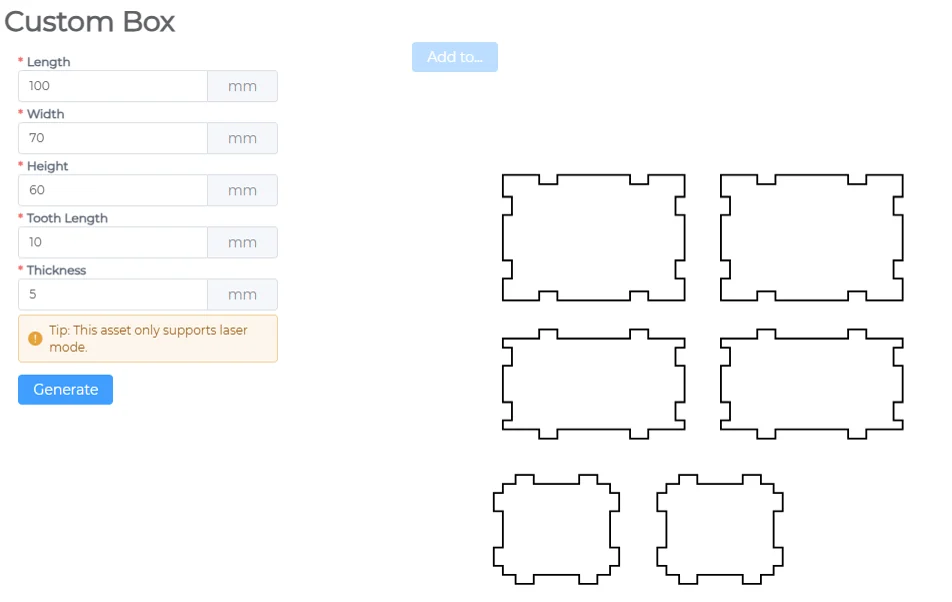
Custom Box

Custom Box generator with size inputs and the generated box panels
  • Enter custom box dimensions

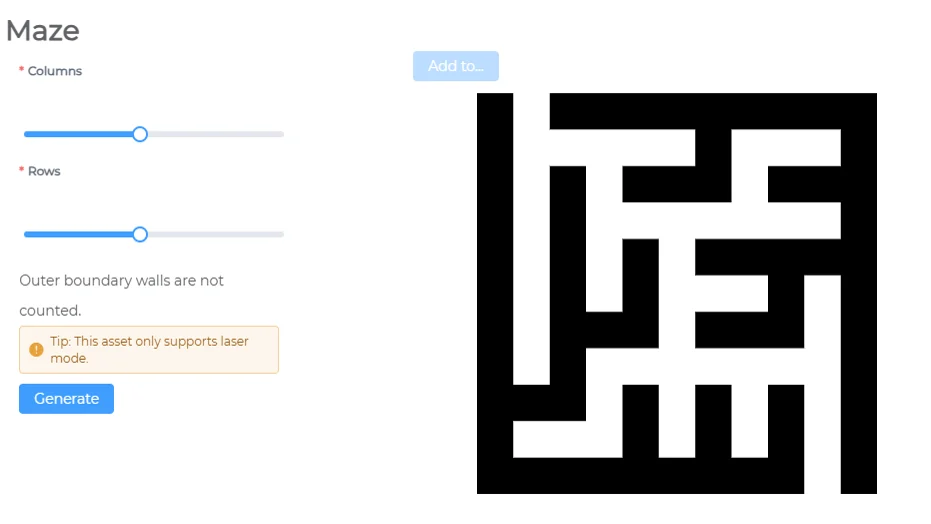
Maze

Maze generator with column and row sliders and the generated maze
  • Select the number of paths along X and Y axes

Ruler
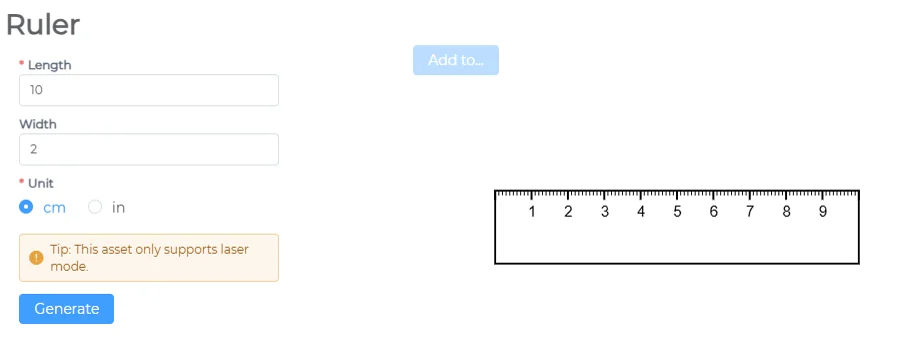
Ruler generator with length, width and unit options and the generated ruler
  • Enter ruler length and width
  • Choose measurement units

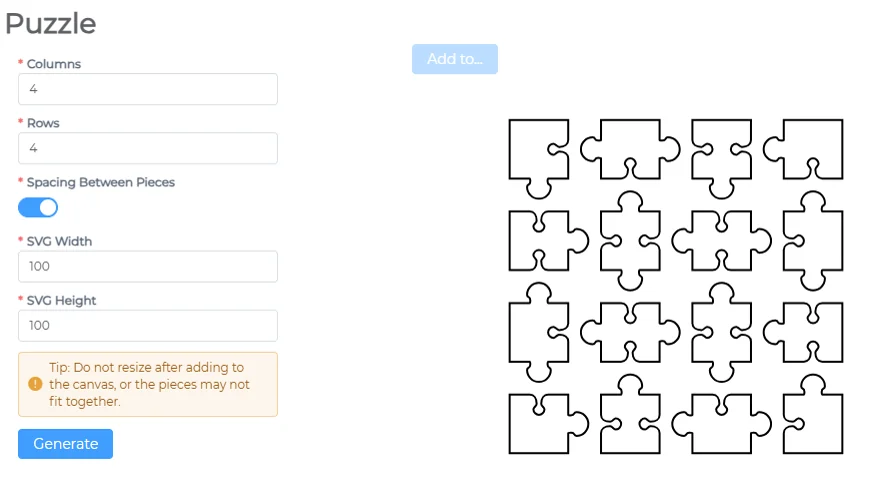
Puzzle

Puzzle generator with column, row and spacing options and a 4 by 4 set of puzzle pieces

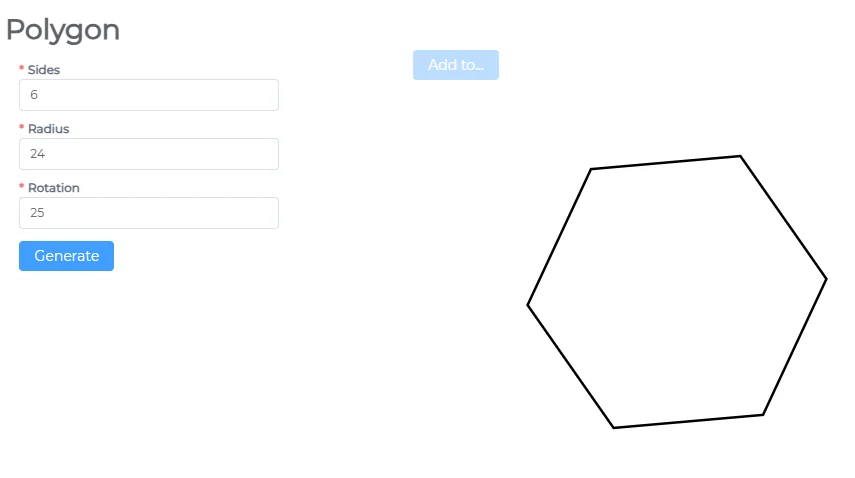
Polygon

Polygon generator with sides, radius and rotation, showing a hexagon

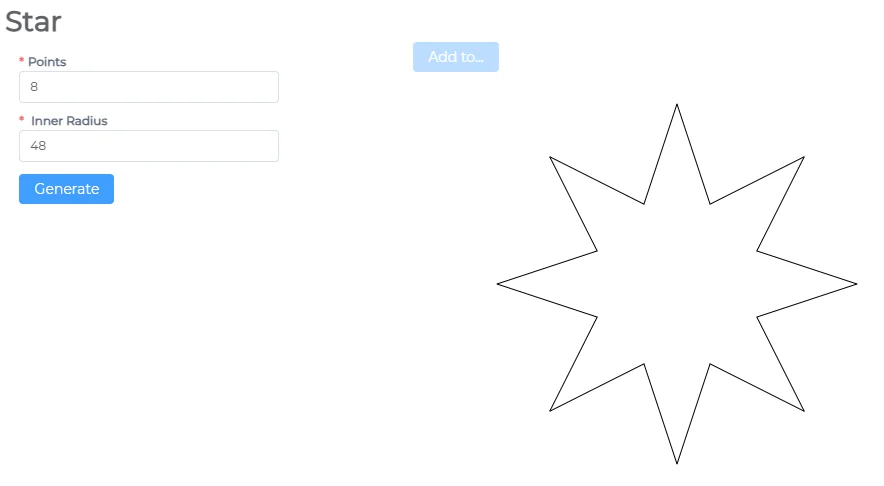
Star

Star generator with points and inner radius, showing an eight-point star

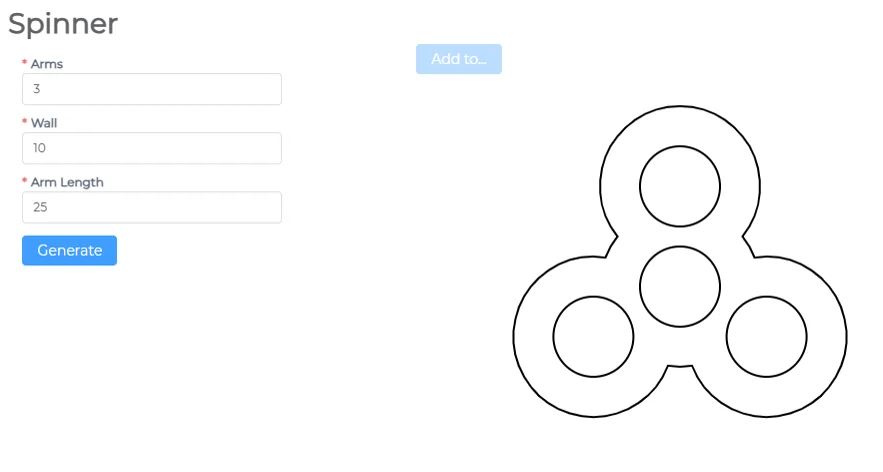
Spinner

Spinner generator with arms, wall and arm length, showing a three-arm spinner

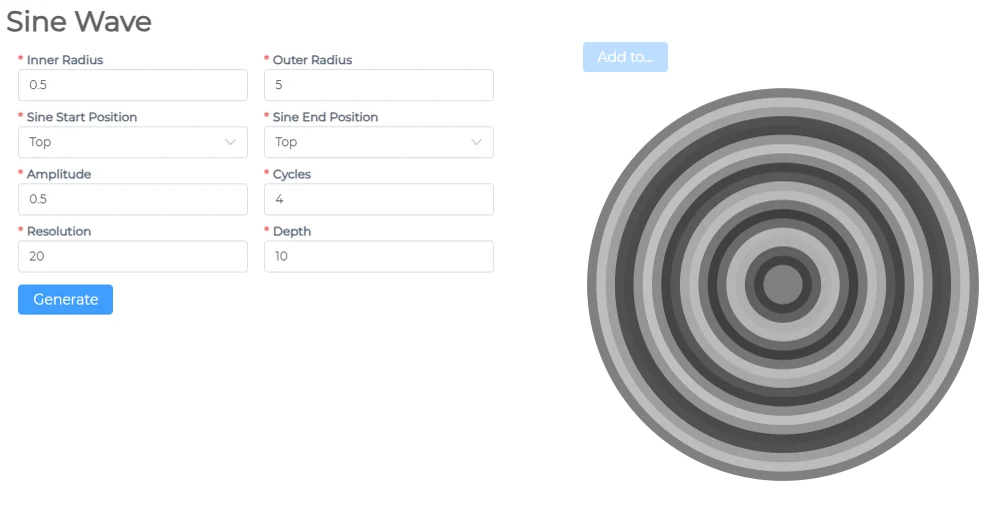
Sine Wave

Sine Wave generator with radius, amplitude and cycles, showing concentric grey rings

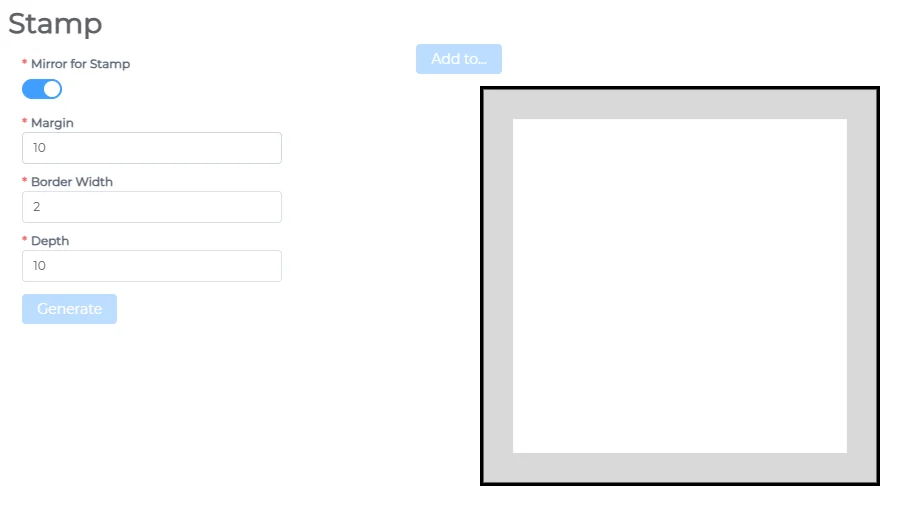
Stamp

Stamp generator with margin, border width and depth, showing a square frame

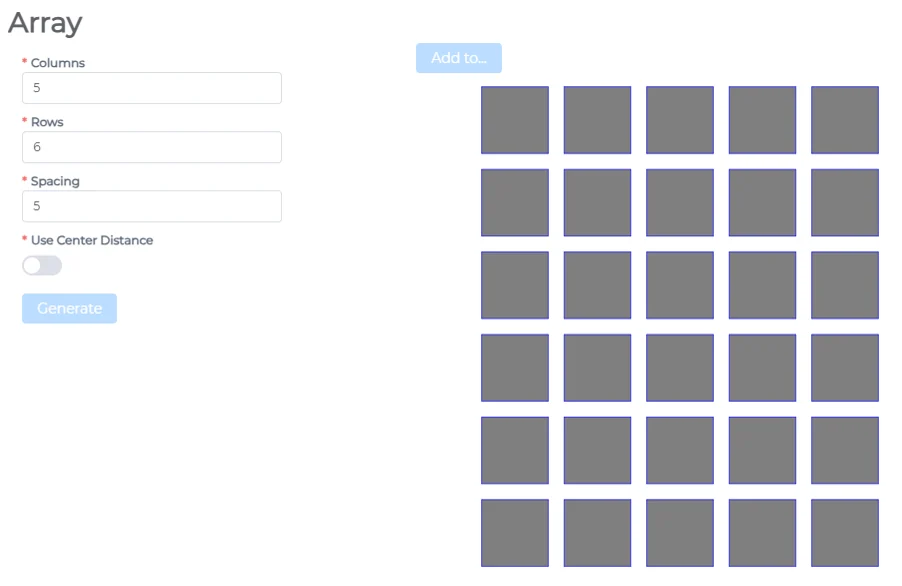
Array

Array generator with columns, rows and spacing, showing a grid of squares

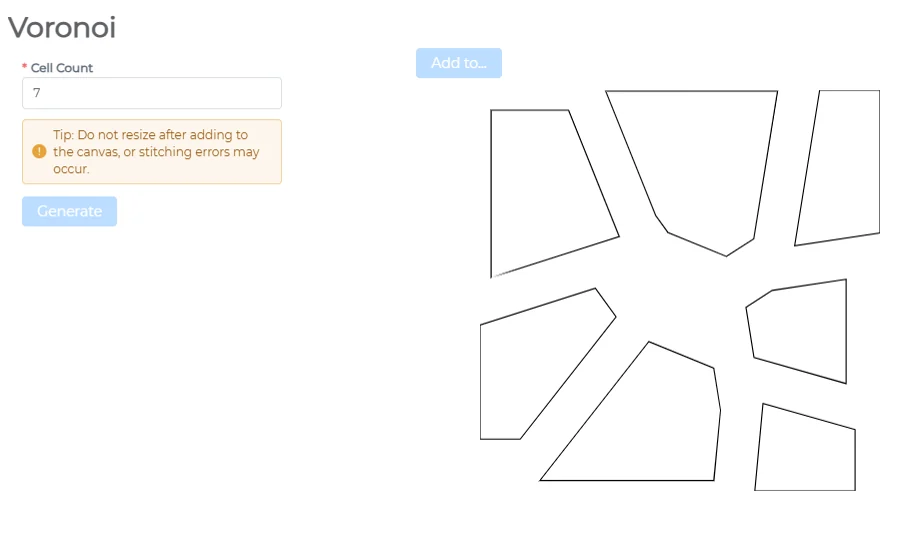
Voronoi

Voronoi generator with a cell count, showing irregular cell outlines

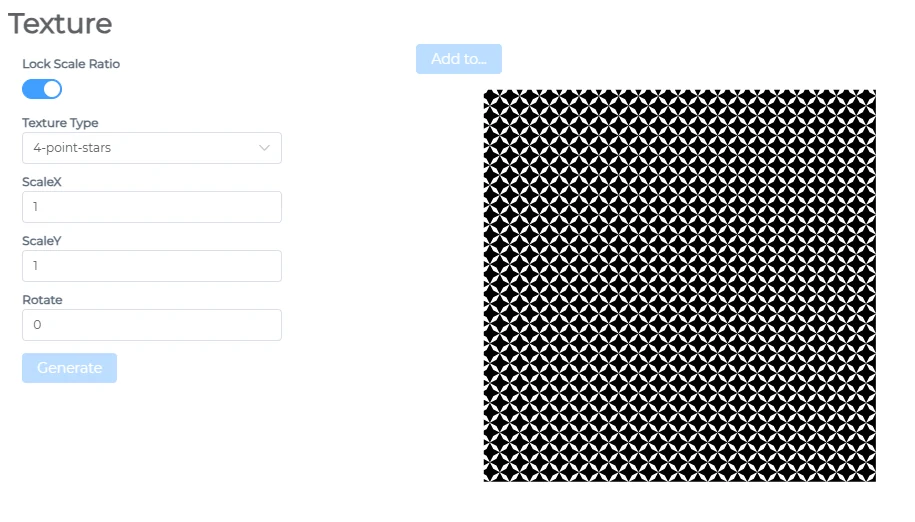
Texture

Texture generator with texture type and scale options, showing a star pattern

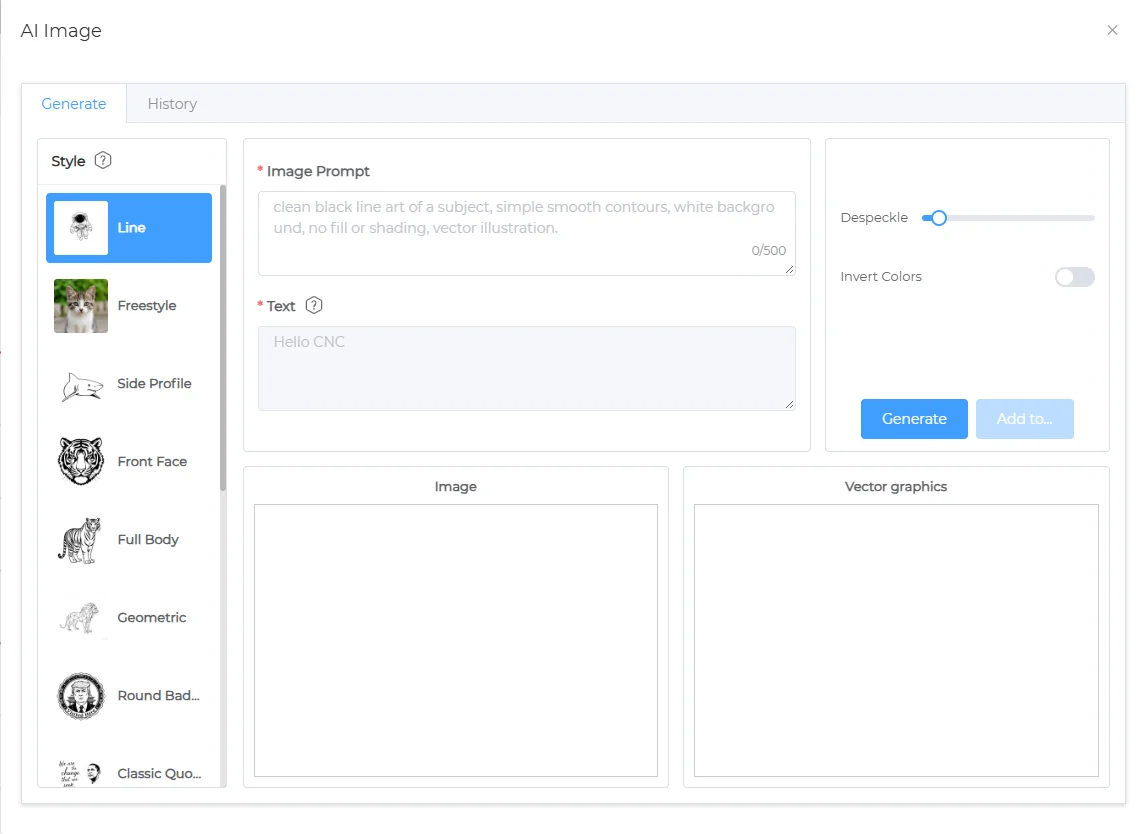
AI Image

AI Image dialog before generating: style list, prompt box and empty result panels

AI Parameters

  • Style Selection: Laser, CNC, General
  • Prompt: AI image generation prompt
  • Text: Custom text embedded in the image

Image Effects

  • Dust Removal: Removes small random dots or impurities in the image to prevent the laser from engraving unwanted noise points
  • Invert Color: Inverts black and white (or grayscale) colors — turning dark areas light and light areas dark, often used to reverse engraving regions

History
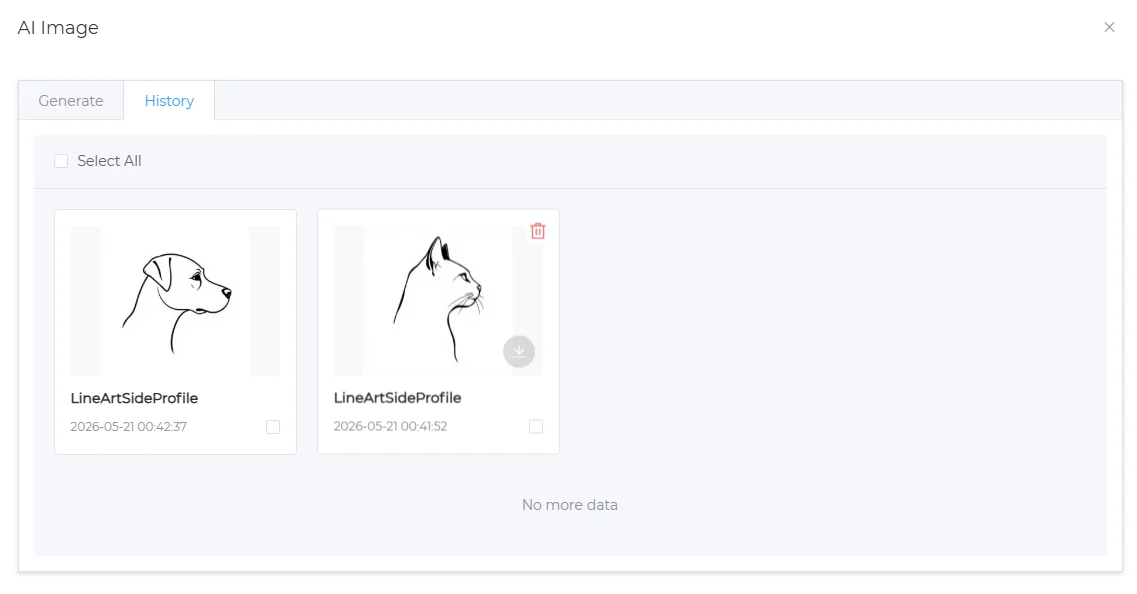
AI Image dialog, History tab, with two saved line-art results