
Others
Updated 2026-06-03
Position & Size
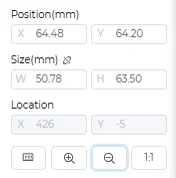
Position
- Coordinates of the starting point of the current shape
Size
- Dimensions of the bounding box of the current shape
Location
- Current position of the cursor on the canvas
Design Layers
CNC Layer

- The "CNC" entry represents the CNC layer
Laser Layers
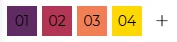
- Numbered entries represent laser layers; click "+" to add a new laser layer
Right-click Menu
Layer Settings
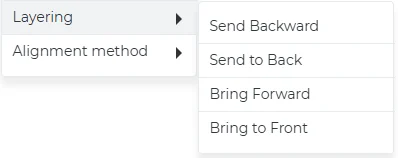
- Move down one layer
- Move to bottom layer
- Move up one layer
- Move to top layer
Alignment Methods
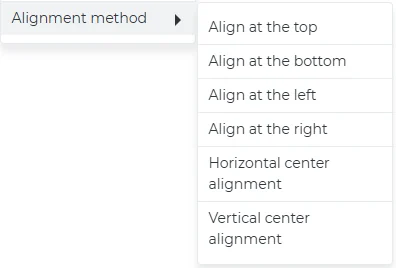
- Align at the top
- Align at the bottom
- Align at the left
- Align at the right
- Horizontally center alignment
- Vertical center alignment
Online Customer Service
Icon

It is initially located at the bottom right corner of the interface. Clicking on it allows you to freely drag and change its position.
Chat Window

You can ask questions related to the software to the customer service.
Others

- Credits
- Material
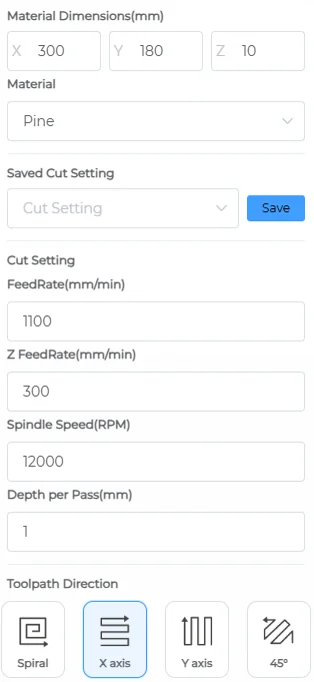
- Bits
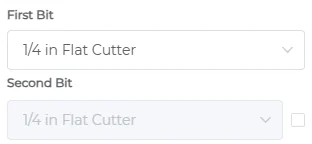
- Beginner Guide
- Jog
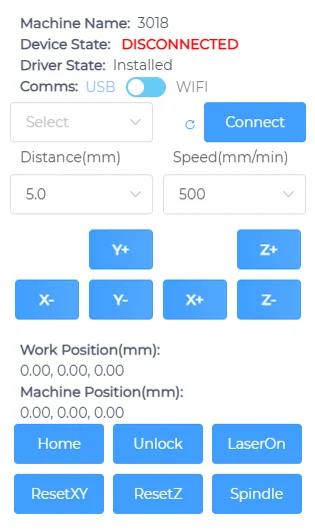
- Other

- Dark/Light Mode
- Message Center
- Daily Check-in
- One-click Share