
Add Device
Updated 2026-09-14
Select Device Manufacturer
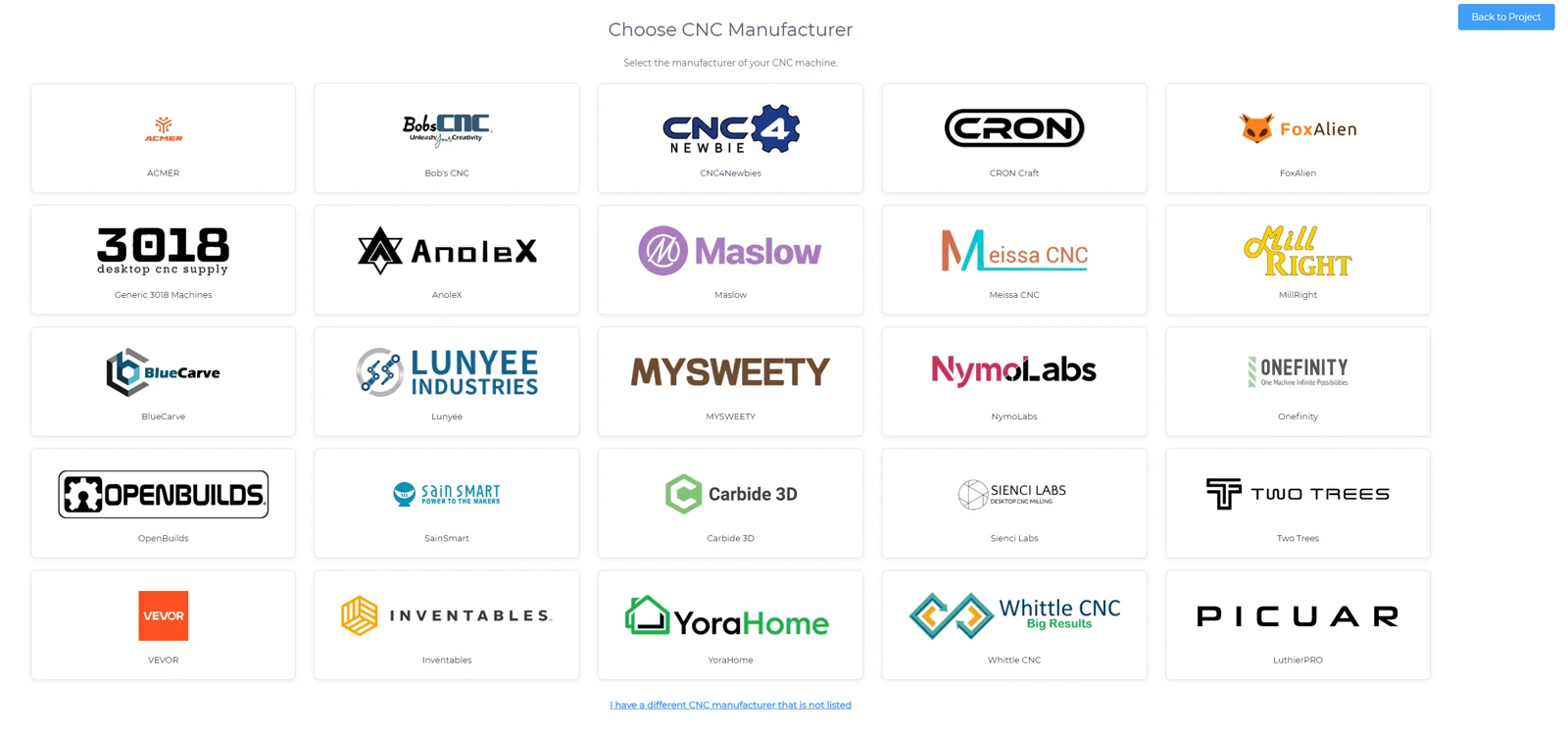
- Choose your device manufacturer
Select Device
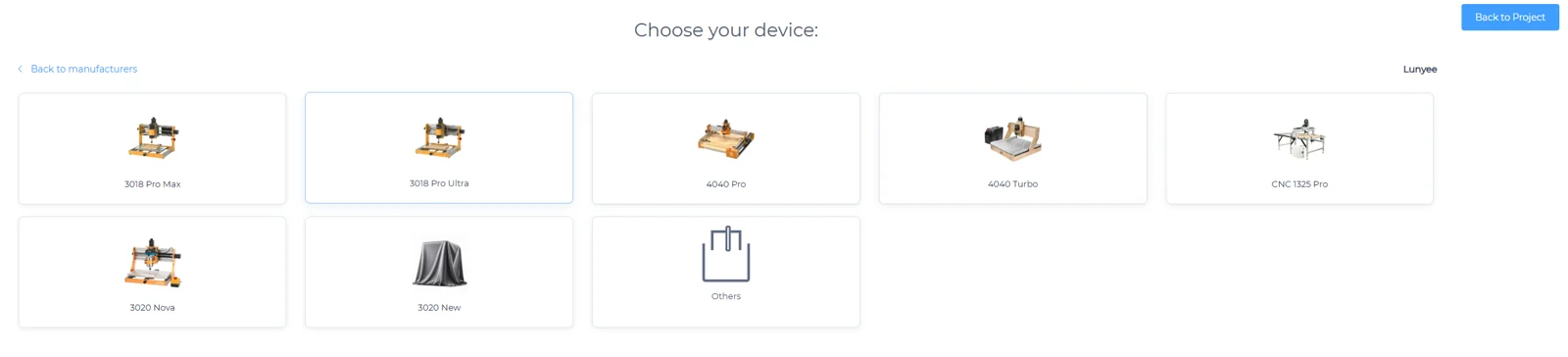
- Choose your device
Custom Device
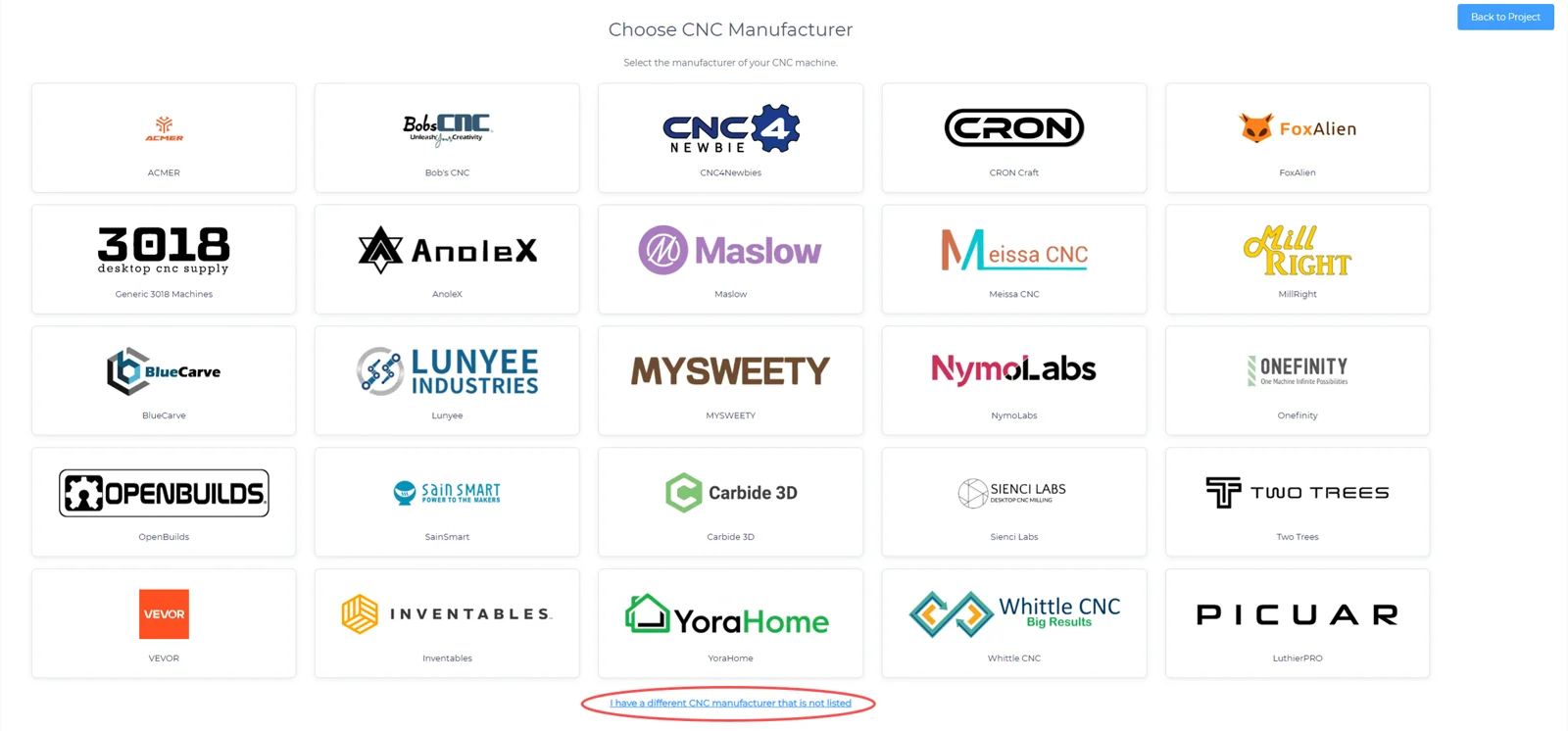
- If your device model is not listed, click “I have a different CNC manufacturer that is not listed” to configure a custom device
Custom Device Information
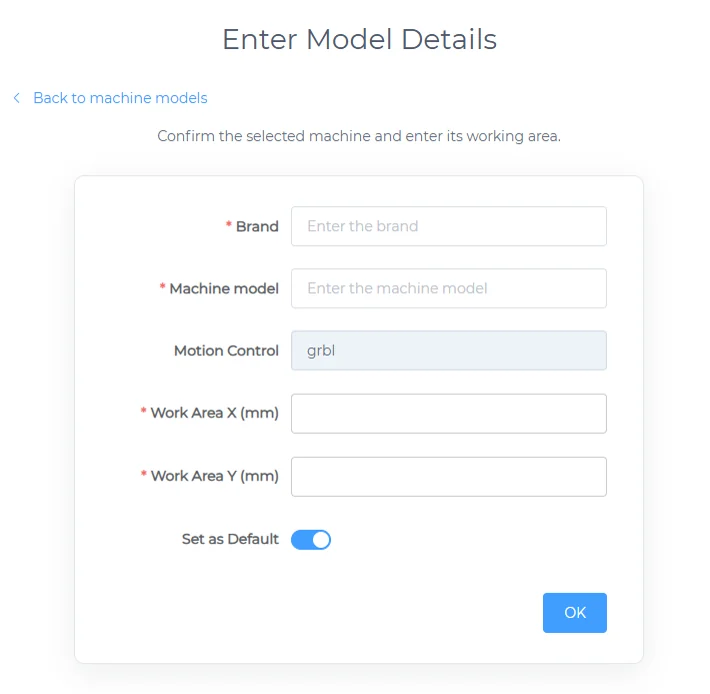
- General Attributes
- Brand
- Machine model
- X-Distance
- Y-Distance
- Set as Default